Get reps to fill in required fields without chasing them
Required fields only work when reps fill them with real values, not whatever gets them past the form.
Require fewer fields
Every required field is one more thing between a rep and getting back to selling. Before you add one, name the report, forecast or handoff that breaks without it. If you can't, leave it optional.
Then sort the rest into two groups:
- Must have: the deal can't move on without it. Amount before Contract Sent, close date before Closed Won. Block these.
- Should have: usually filled by this stage, with fair exceptions. Ask for these, but don't block.
Where HubSpot can require them
- When a record is created. On Starter and up, the create deal, contact and company forms can mark properties and associations as required. HubSpot's steps: Customize the create form for each object.
- When a deal moves to a stage. Conditional stage properties make fields required before a deal enters that stage. HubSpot's steps: Set up and manage object pipelines.
Both are real blocks for anyone working in HubSpot itself, though workflows and imports can still get past them. The catch is timing: the form appears when the rep is moving the deal, often long after the call, when they no longer have the answer. That is when fields get filled with “TBD” or 0.
Why chasing doesn't work
The usual follow-up is a report of deals with empty fields and a message to each owner. It takes a manager's time every week, the rep has to find the deal again, and the details are older than when they skipped them. The better moment to ask is while the rep is already updating the deal.
Ask at the moment of the update, with Liney
With Liney, reps update a deal by typing one line about the call. Before anything is written, Liney lists each required field that's still empty as Needs your input, with the options to pick from or a box to type the value. The rep answers while the call is fresh, then presses Update HubSpot.
Liney asks for four kinds of field:
- Required by HubSpot. Your conditional stage properties. The first time HubSpot turns down a write for a missing field, Liney learns that field and asks for it on every line that moves a deal into that stage. HubSpot names one missing field at a time, so each is learned on its own. Nothing is written without it.
- Required by your admin. Fields a team admin requires in Liney. Nothing is written through Liney without them, but they don't change HubSpot, so they suit your “should have” fields.
- Likely. Fields filled on every deal that has reached a stage. Liney asks, and the rep can skip. If a deal reaches that stage without the field, Liney stops asking.
- Marked by a rep. A field a rep flagged for a stage. Liney treats it like a likely field: it asks, and the rep can skip.
Require a field in Liney
Team admins only: whoever installed Liney on your HubSpot account, your HubSpot super admins, and anyone made an admin in Team.
- Open Rules and choose Edit required fields.
- Pick Deals, Contacts or Companies.
- Choose + Require a deal field (or contact, or company field) and pick the field.
- On deals, choose when: when creating a deal (new deals only), on every deal (new or existing), or at a stage. On contacts and companies, it applies to every one. Liney only asks while the field is empty; a value that's already there is never touched.
- Choose Add, then Save.
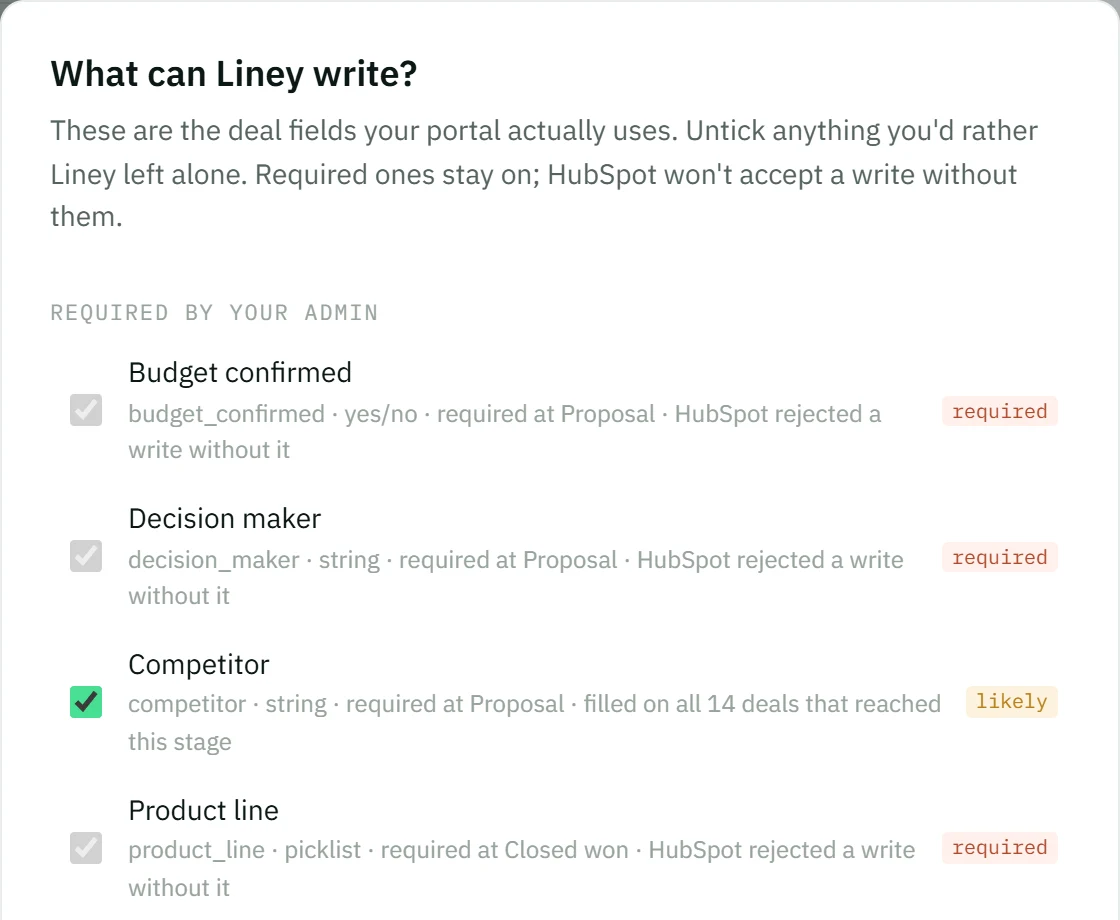
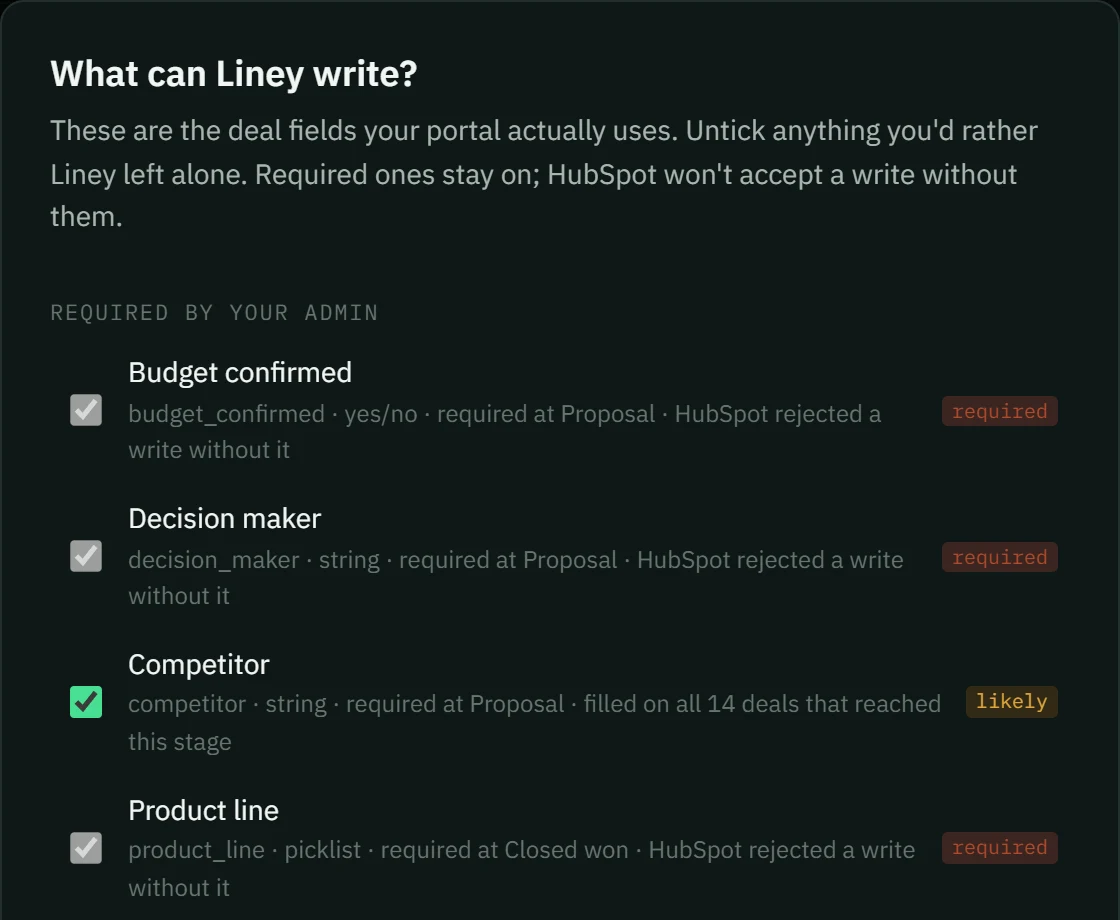
A field required on contacts is asked about whenever a line creates or changes a contact that doesn't have it, for example a job title on every new contact.
Reps see these fields locked, with “Only your team admins can change required fields.” Everyone can see the full list, grouped by where each rule came from, in Rules under Required fields.
What to keep in HubSpot
Liney's rules apply to what reps write through Liney. They don't stop someone editing a deal directly in HubSpot. Keep your must-have blocks in HubSpot, and use Liney so reps meet them at the right moment instead of at the form.
Need line items, a contact or a company before a deal closes? HubSpot handles those differently. See Stop deals reaching Closed Won without what you need.